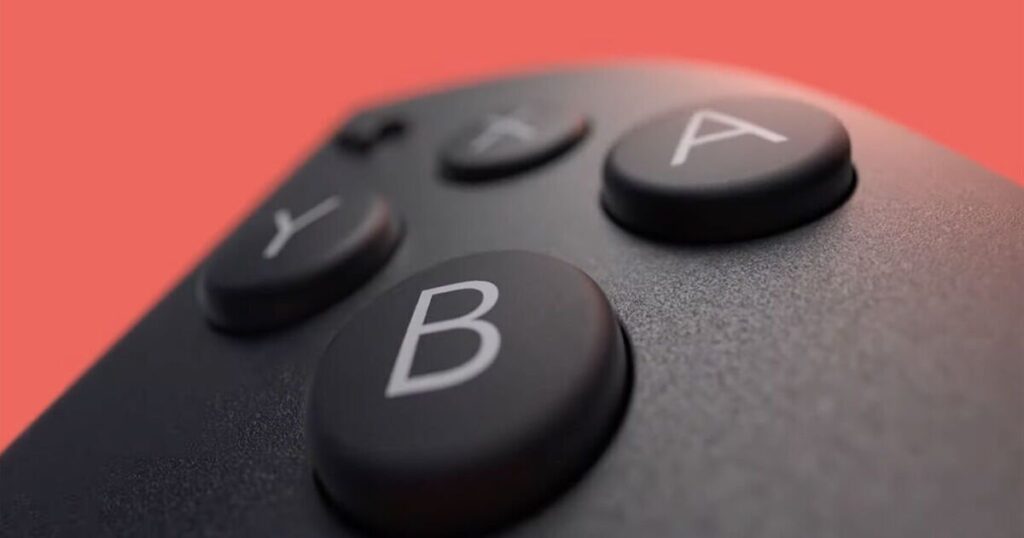


Nintendo Switch 2 gets a new update (Image: NINTENDO)
It’s fair to say that it’s been an extremely busy week for Nintendo Switch 2 fans. It all started with the broadcast of a Legend of Zelda Direct conference on Tuesday, followed by a full Direct briefing on Wednesday afternoon. Nintendo unveiled new footage of Ocarina of Time Remake, announced a new Kirby game, not to mention a brand new 2D Metroid. Fans were even able to pre-order a special 40th Anniversary Legend of Zelda console, although it didn’t stick around for long.
Outside of all of the exciting announcements, the Switch 2 tech team has been hard at work on a new system update for the console, which improves a popular feature and makes it easier than ever to start group chats with friends and family.
As you can see from the patch notes below, one of the better improvements is the ability to create a QR Code for a Mii and share it with other users. With Nintendo Switch Sports Resort coming soon, this is perfect timing.
Speaking of Miis, Nintendo has added the option to play music while creating your own personal avatars.
Elsewhere, Nintendo has made lots of improvements to GameChat, which should make it easier to connect with friends.
This includes the ability to start a new chat before inviting friends, and a simplified method for changing the screen size.
From a technical standpoint, Nintendo has added support for VRR (variable refresh rate) in TV mode.
“If supported by both the software and your TV, the refresh rate output will be adjusted based on the software’s performance,” Nintendo explains.
Nintendo Switch 2 system update 23.0.0 patch notes…
• The following updates have been made to GameChat:
– The list of chats you can join now shows chats you have previously joined.
– When starting a new chat, you can now enter without inviting any friends.
– Added an option to the menu that appears when you press the C Button during a chat that lets you change the screen size.
• Added a settings option to Virtual Game Cards on the HOME Menu.
– Here you can review and edit which of your consoles can use virtual game cards, among other options.
• Added support for VRR (variable refresh rate) in TV mode.
– If supported by both the software and your TV, the refresh rate output will be adjusted based on the software’s performance.
– A Nintendo Switch 2 dock update is required to enable this feature.
• Added the ability to perform a system transfer from a Nintendo Switch 2 console to another Nintendo Switch 2 console.
• The following updates have been made under Accessibility in System Settings:
– Added Portuguese (Brazil) to the available text to speech languages.
– Added Portuguese (Brazil) to the GameChat “Display Speech as Text” languages.
• The following updates have been made under Audio in System Settings:
– Added the option to save settings separately for each connected TV.
• The following updates have been made under Display in System Settings:
– Renamed “Dock Output Information” to “Video Output Information”, which now includes details about connected TV outputs.
– Added settings for VRR.
• The following updates have been made under Mii in System Settings:
– Added a feature that lets you create a QR Code for a Mii and share it with other users.
• The following updates have been made under Sleep Mode in System Settings:
– Choosing the volume for Play Console Wake-Up Sound in TV Mode now causes the sound to play immediately so that you can check the volume level.
• Added the ability to enable or disable “Handheld Mode Boost” under Quick Settings.
• System Transfer to Nintendo Switch 2 has been added under System Settings > System .
• When starting software, if a virtual game card cannot be ejected from another console because it is powered off or otherwise not connected to the internet, there will be a prompt to start the software using an online licence.
– Only the user who purchased the software can play it using the online licence.
• Music can now be played while creating or editing a Mii.
– You can change or stop the music using the Music Settings in the top corner of the screen.
• You can now use other controllers during Handheld Mode Boost while Joy-Con 2 controllers are attached to the console.
• Play activity, found under Profile on your user page, now combines play time for the same software across multiple consoles.
– The combined times will be displayed in order, starting with software played after the update.
• General system stability improvements have been made to enhance the user’s experience.